 QAlchemy
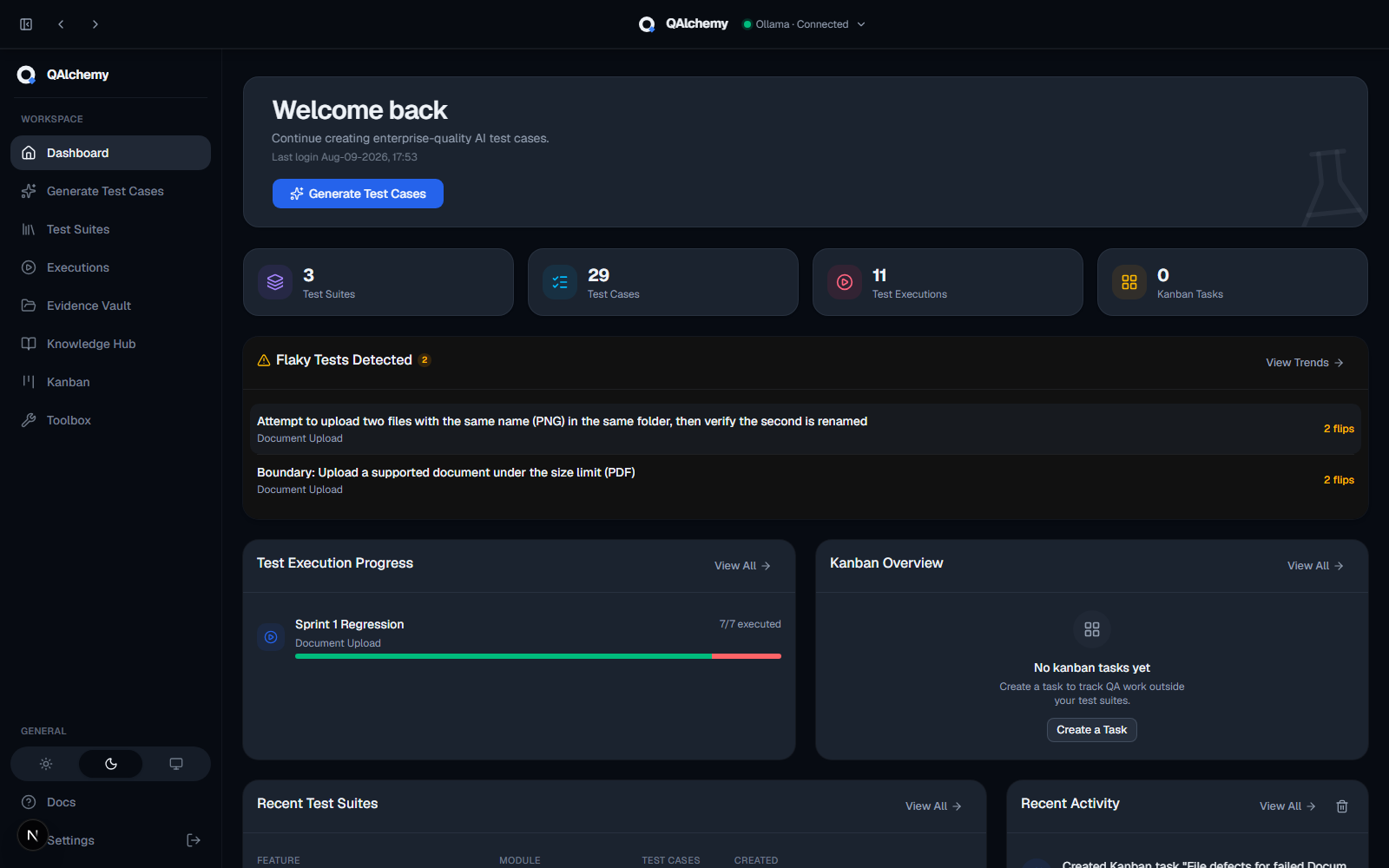
Dashboard
A single home screen for your whole workspace, at a glance:
- Suite, test case, execution, and Kanban counts
- Needs Attention list for overdue or blocked work
- Recent test suites and a live activity feed
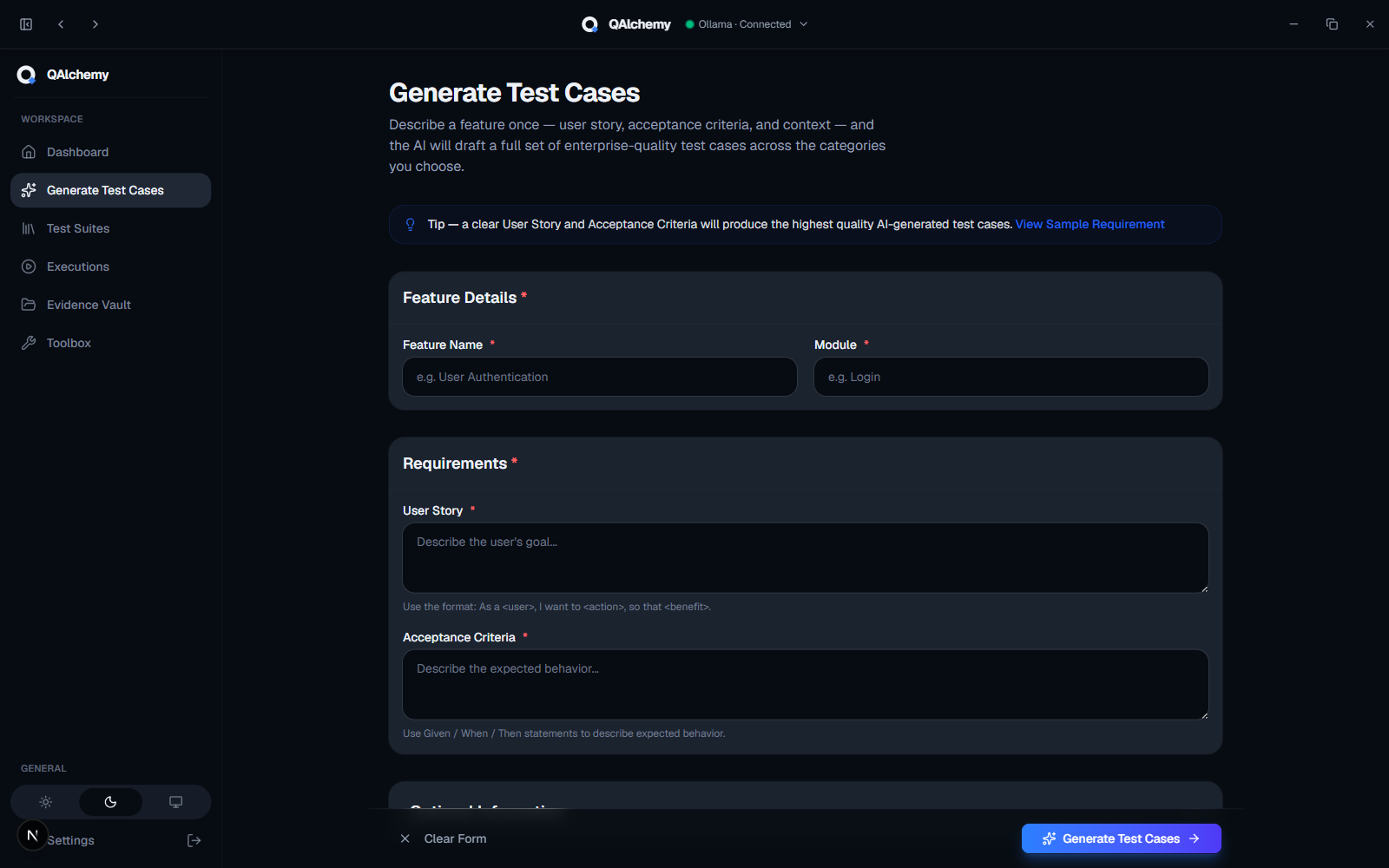
Generate Test Cases
Convert user stories and acceptance criteria into structured QA documentation with a single AI request.
- Classic or Gherkin/BDD format
- Choose which testing categories apply
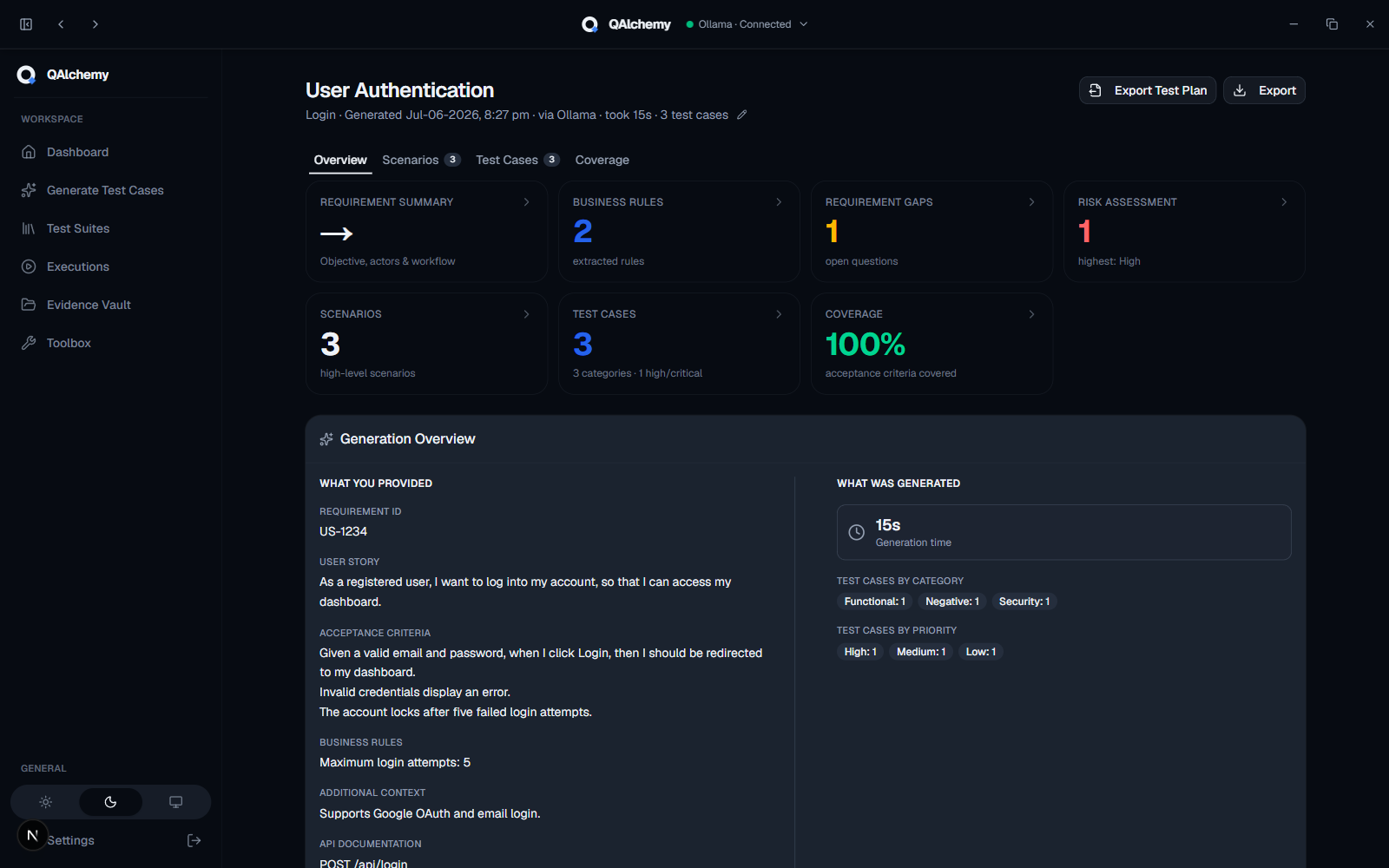
AI Analysis Report
Receive a complete analysis alongside your generated test cases:
- Requirement Summary & Business Rules
- Requirement Gaps & Risk Assessment
- High-Level Scenarios & Traceability Matrix
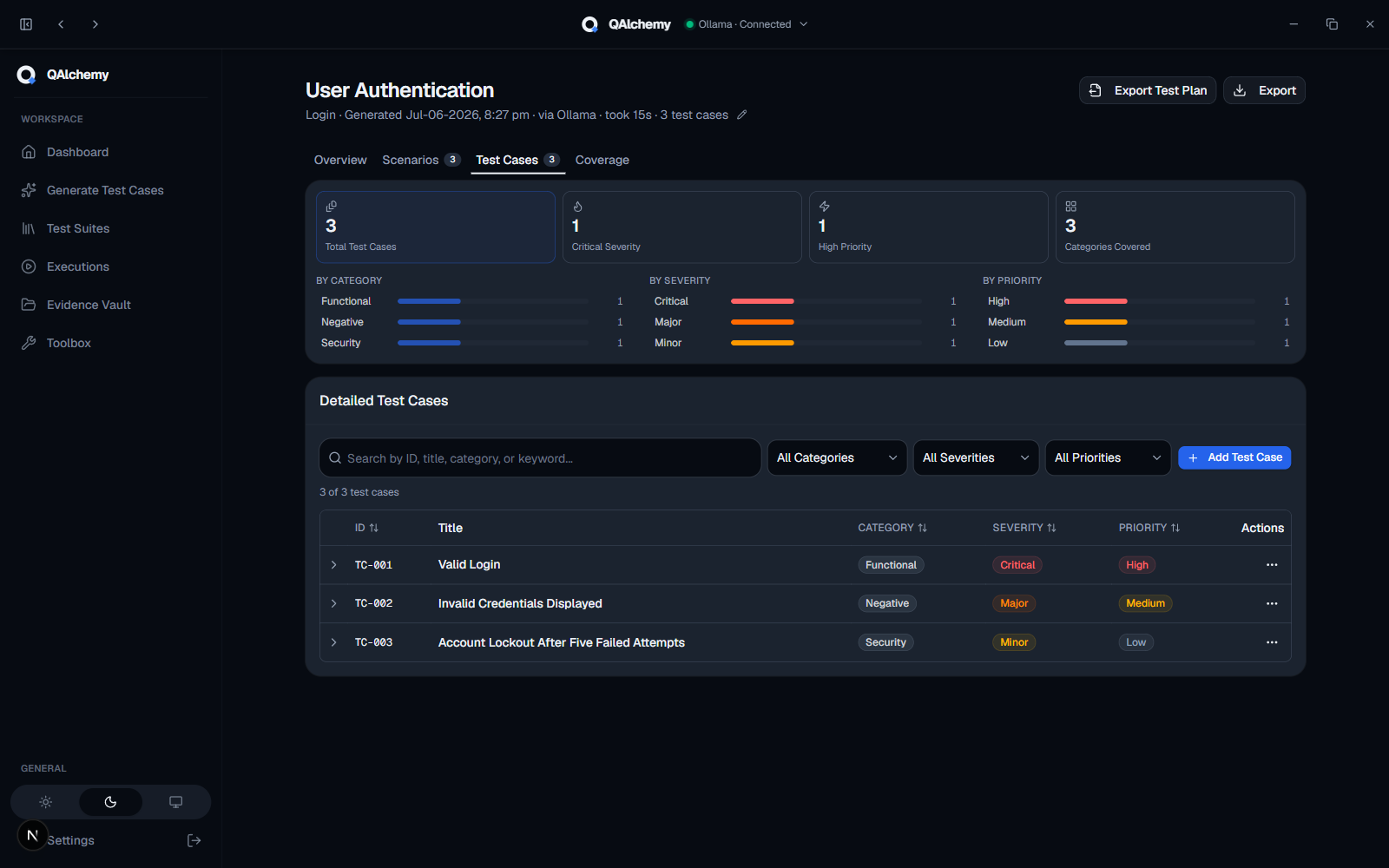
Detailed Test Cases
Comprehensive, execution-ready test cases with:
- Preconditions & test data
- Expected results & priorities
- Gherkin/BDD support
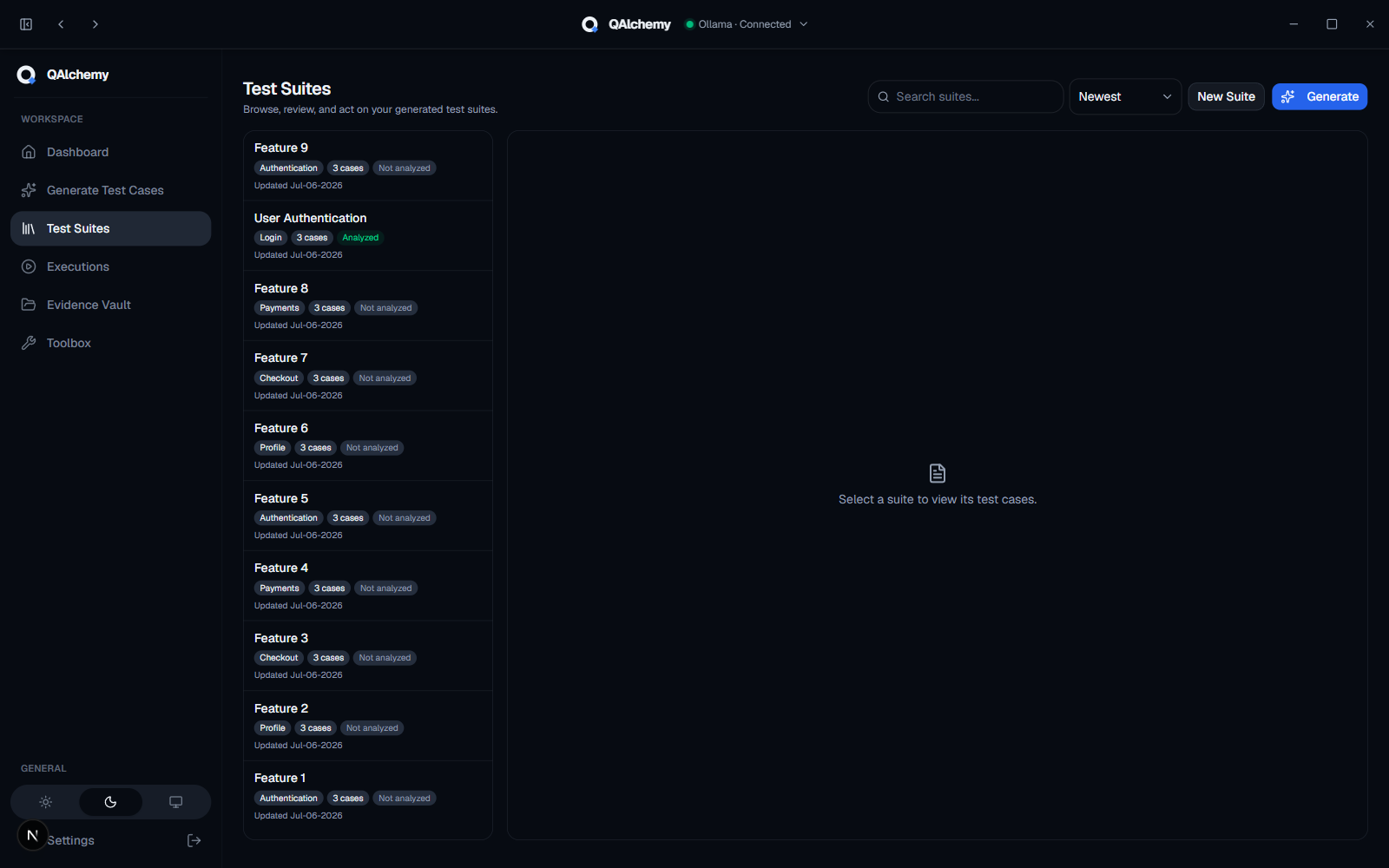
Test Suites Management
Review, edit, organize, and manage generated test suites with AI insights and coverage analysis.
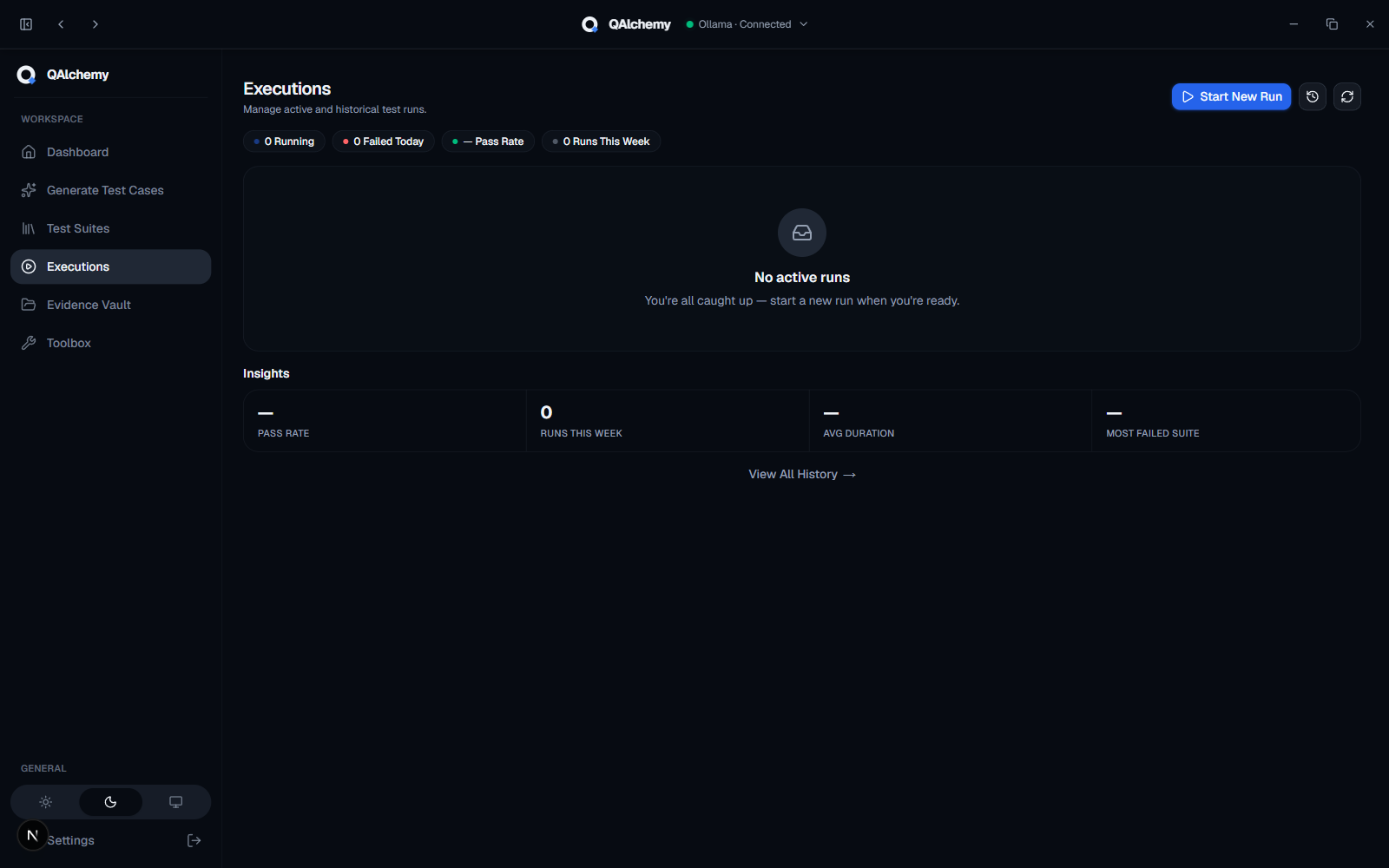
Test Execution Workspace
Execute generated test suites with:
- Test runs & environment tracking
- Pass/Fail recording & progress tracking
- Execution history
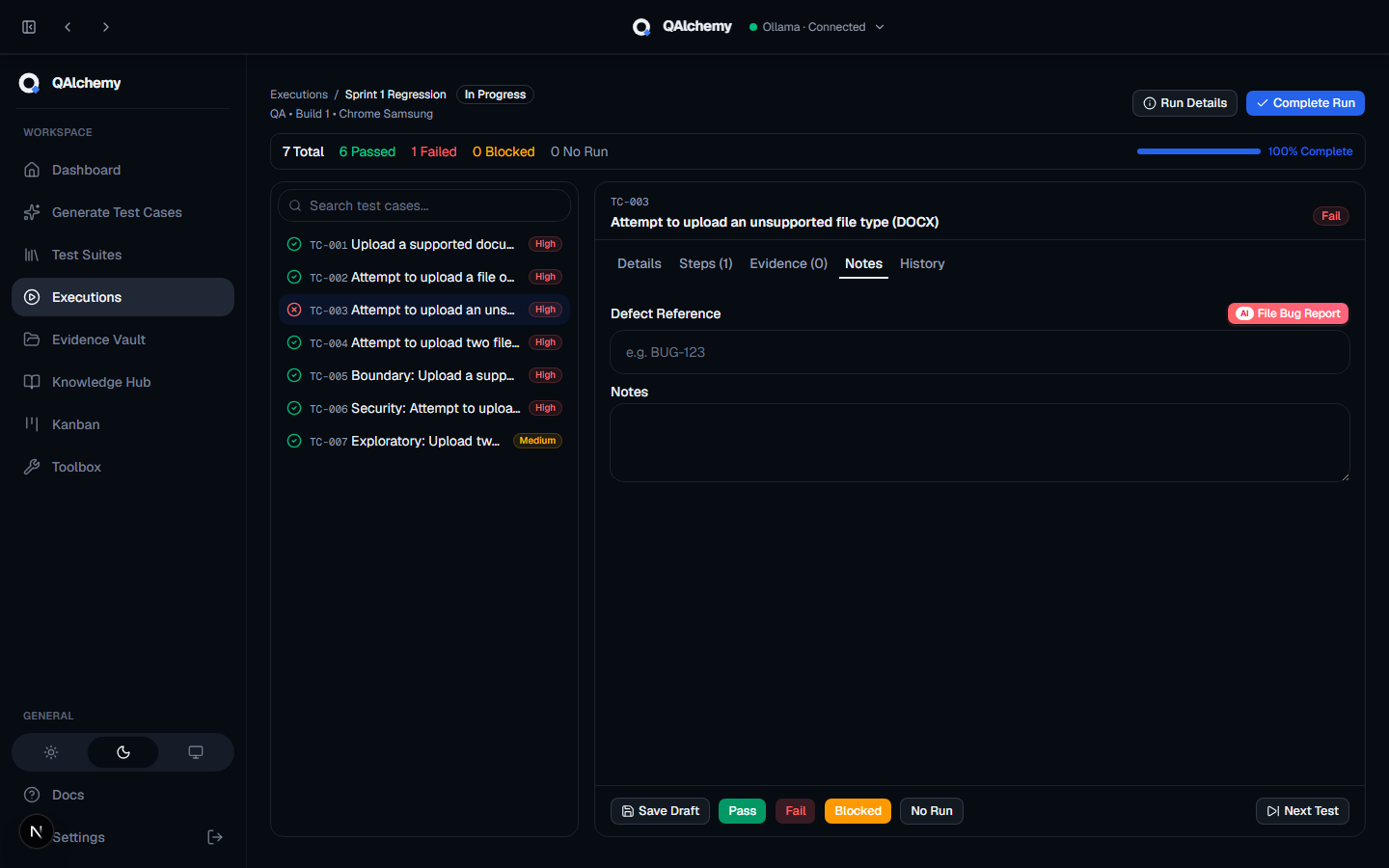
File Bug Report
File a bug straight from a failed test case, with AI drafting the report for you:
- AI drafts title, repro steps, and expected/actual results from the failed test
- Files straight to Jira, Azure DevOps, GitHub, or Trello, with evidence attached
- Duplicate detection against existing tickets before you file
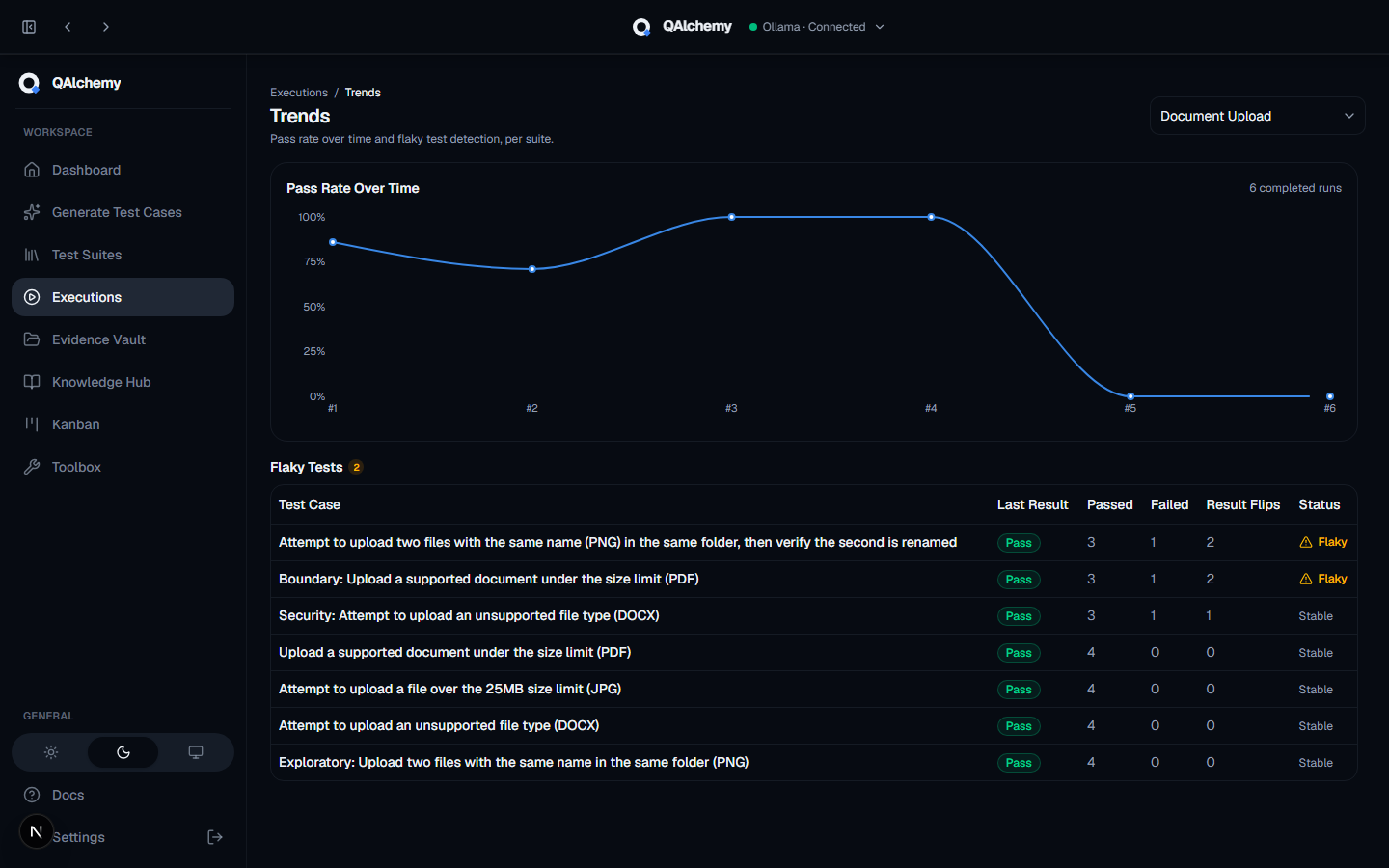
Trends & Flaky Tests
Pass rate over time and automatic flaky test detection, per suite:
- Pass rate charted across every completed run
- Tests that flip between pass and fail get flagged as Flaky automatically
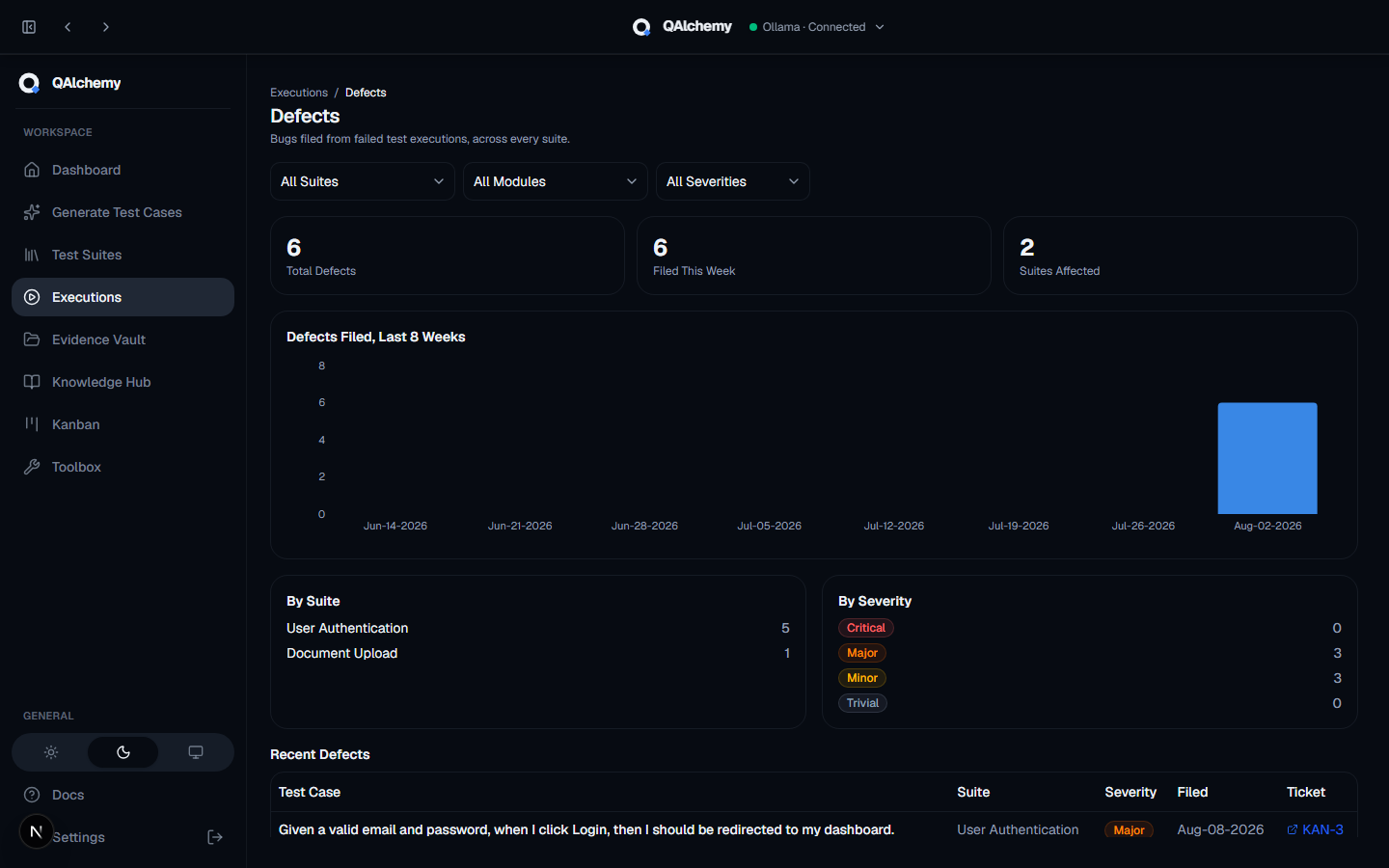
Defects Dashboard
Every bug filed from a failed test execution, rolled up across your whole workspace: totals, a filing trend, and breakdowns by suite and severity.
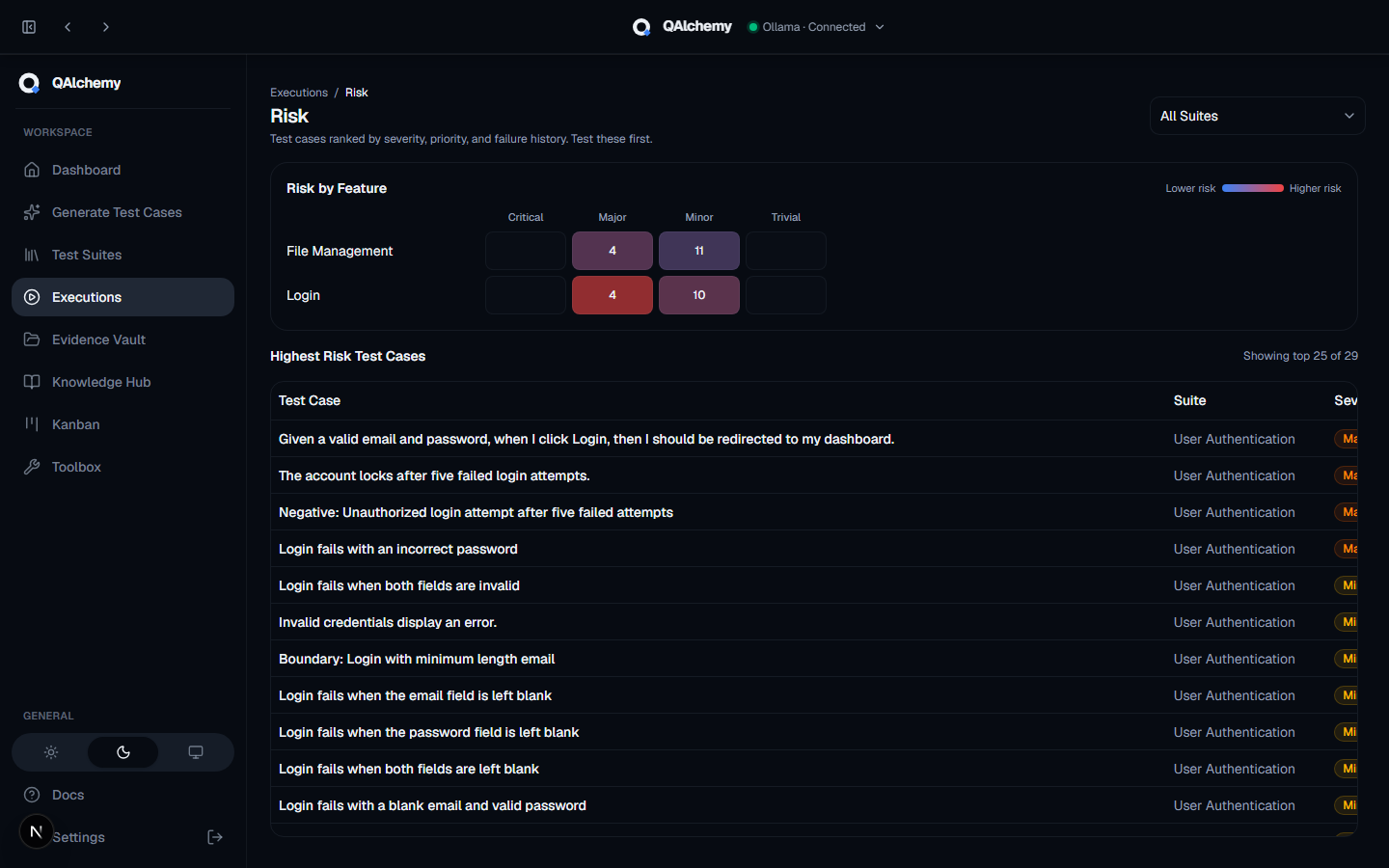
Risk Dashboard
Test cases ranked by severity, priority, and failure history, so you know what to test first:
- Risk by Feature heatmap across every module and severity
- Highest-risk test cases ranked and ready to prioritize
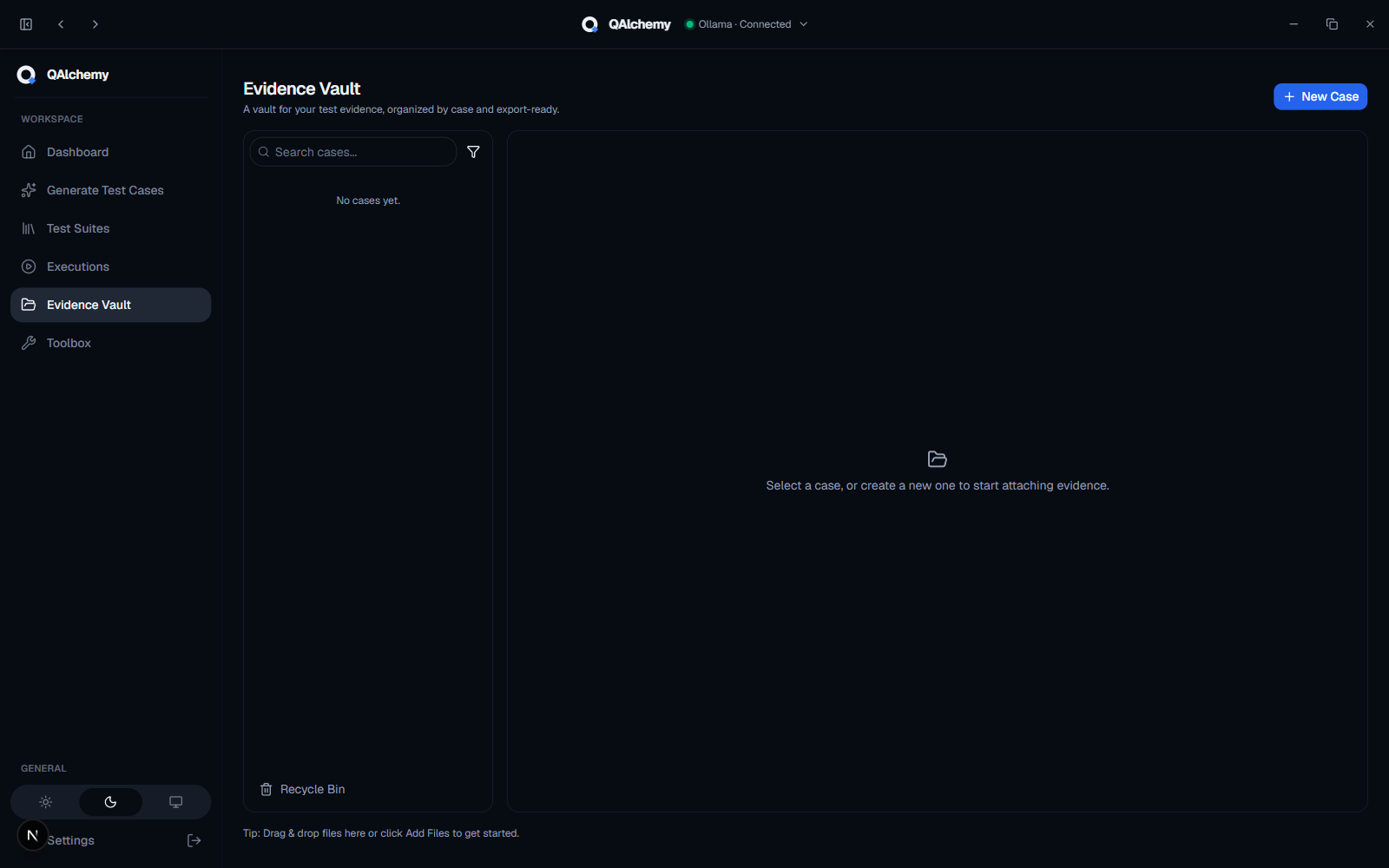
Evidence Vault
Store and manage screenshots, recordings, and documents attached during testing, organized into cases.
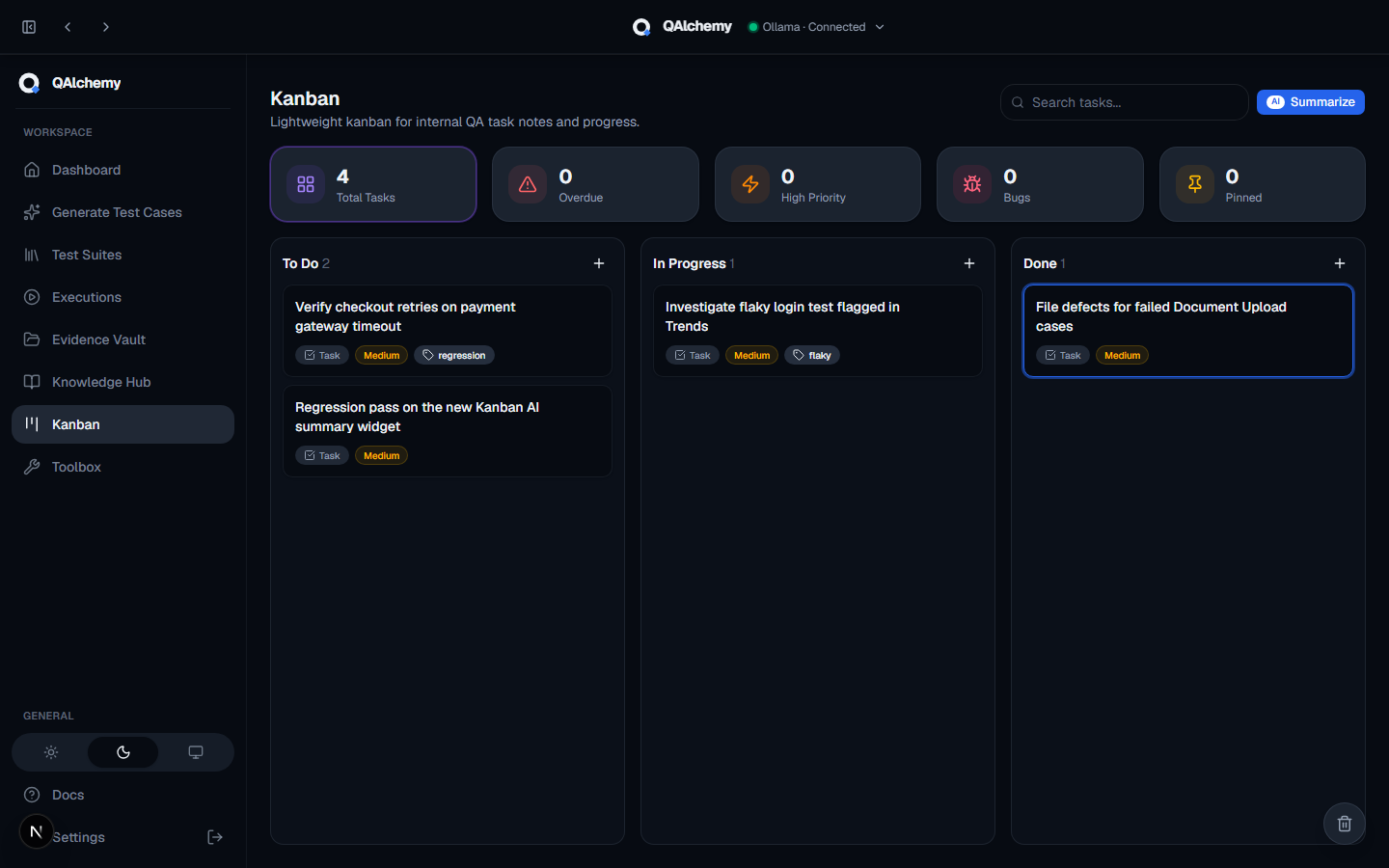
Kanban Board
Track internal QA tasks and notes on a lightweight board, separate from your generated test suites:
- To Do / In Progress / Done columns with drag-and-drop
- Priority, free-form labels, and due dates
- One-click AI board summary, plus its own Recycle Bin
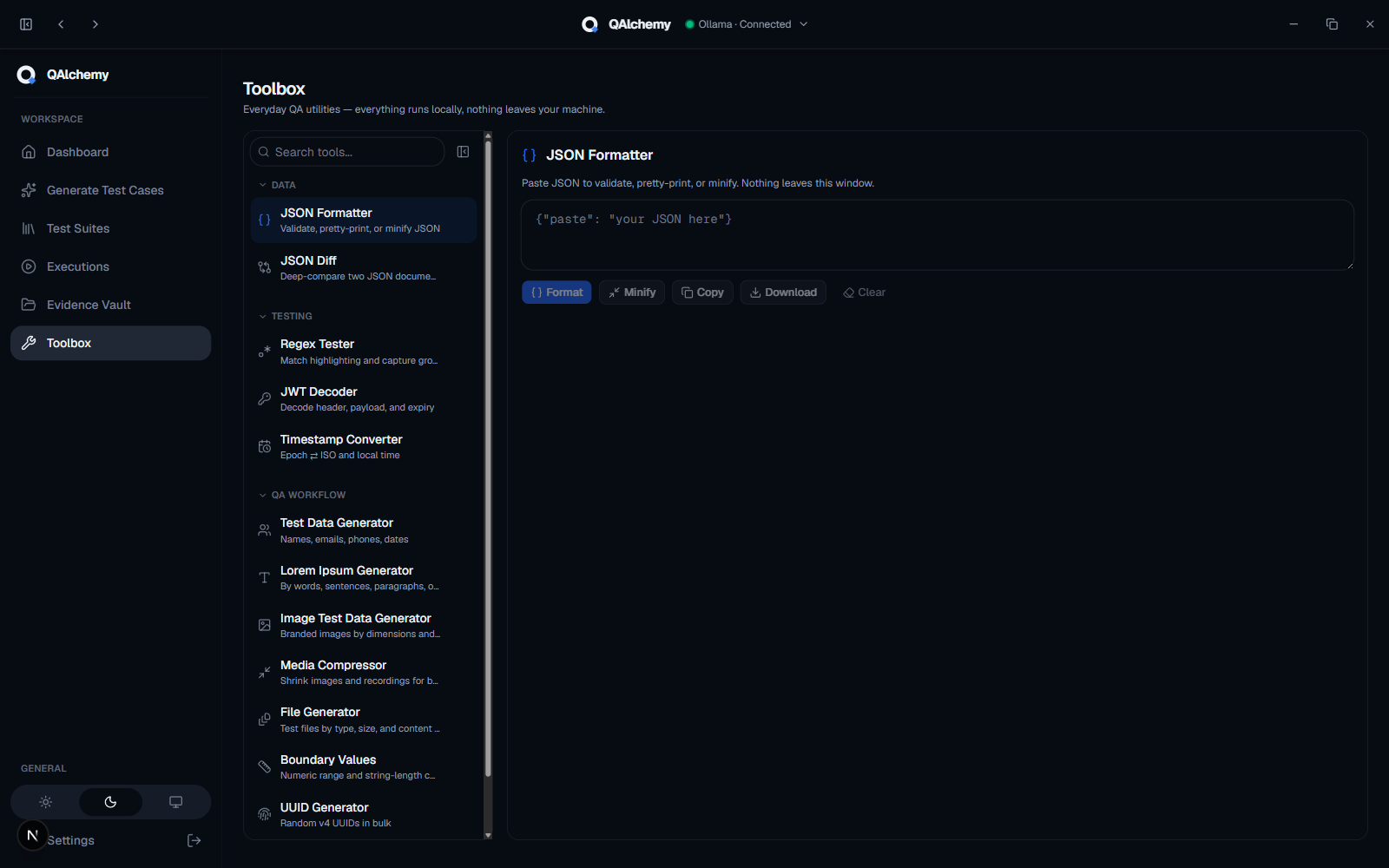
QA Toolbox
A collection of offline utilities for everyday QA work, including:
- JSON Formatter, JSON Diff, Regex Tester, JWT Decoder
- Timestamp Converter, Test Data Generator, Lorem Ipsum Generator, Boundary Values Generator
- Image Test Data Generator, UUID Generator, Bug Report Template, File Generator, Media Compressor
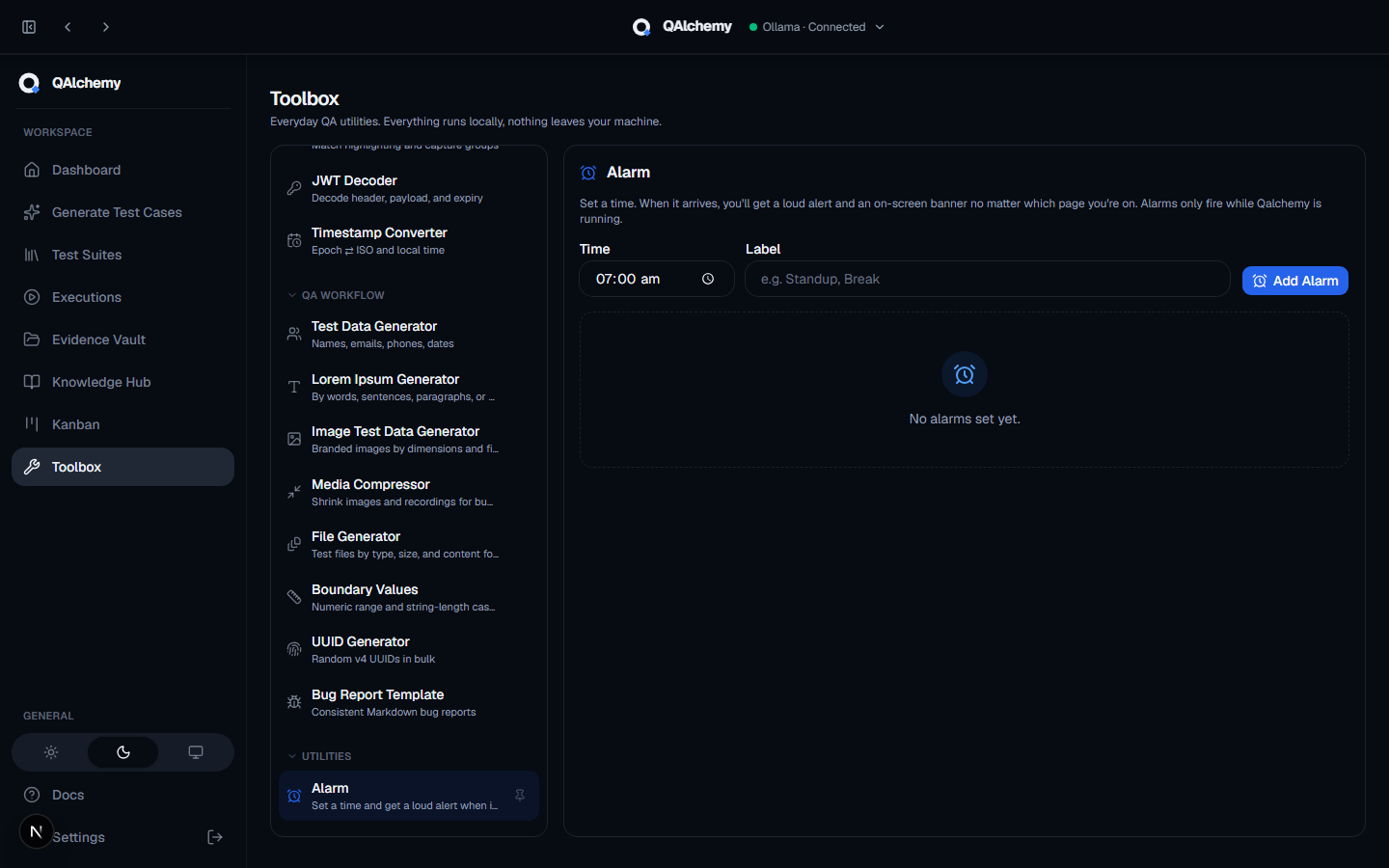
Alarm
Set a time, get a loud alert and an on-screen banner no matter which page you're on, so timeboxed QA work and standups don't slip.
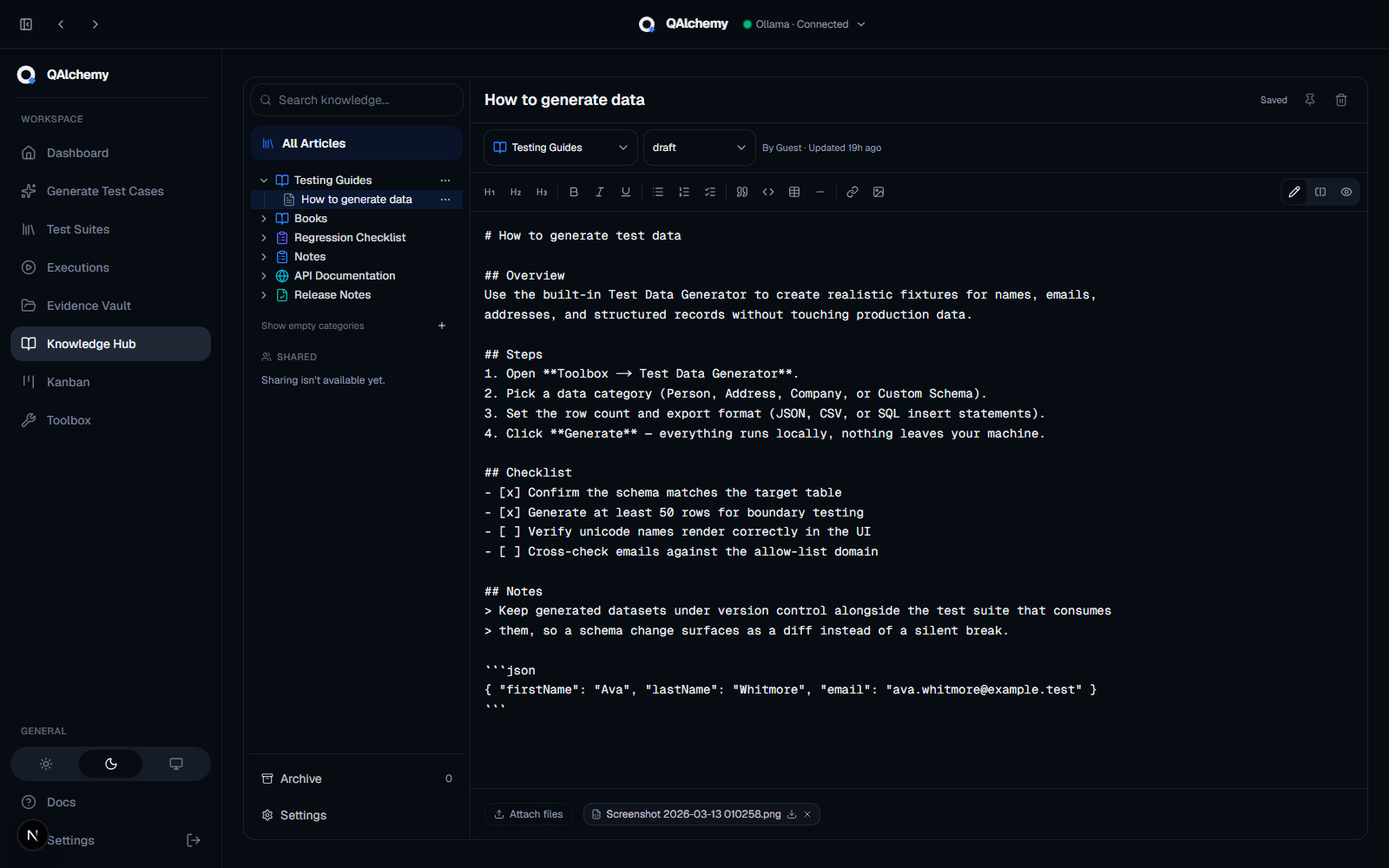
Knowledge Hub
A searchable knowledge base for everything that isn't a test case, in a single navigation tree next to a full Markdown editor:
- Search, Pinned, and collapsible categories with articles nested underneath
- Markdown editor with live split preview, syntax-highlighted code blocks, and file attachments
- 14 built-in templates, plus a 30-day Archive